Pin-Sighter

A bowling scorekeeping and performance tracking app built to help bowlers log games, review frame-by-frame results, and analyze trends across practice, leagues, and tournaments.

Launch Web App →
Status Live

Published web app, in active use for real league and tournament tracking.

Build Type Solo

Personal bowling analytics project, design through build.

Primary Focus

Bowling data, local-first workflows, performance reports, saved sets, and score analysis.

Project Overview

Purpose: Pin-Sighter helps bowlers keep structured records of games, sets, equipment, lane conditions, patterns, and performance trends.

Problem: Bowling data is usually scattered across memory, paper notes, screenshots, or basic scoring apps. Pin-Sighter organizes those details into a reusable tracking system.

Approach: The app combines frame-by-frame logging, saved set history, bowler management, pattern tracking, and exportable reports in one local-first workflow.

Preview
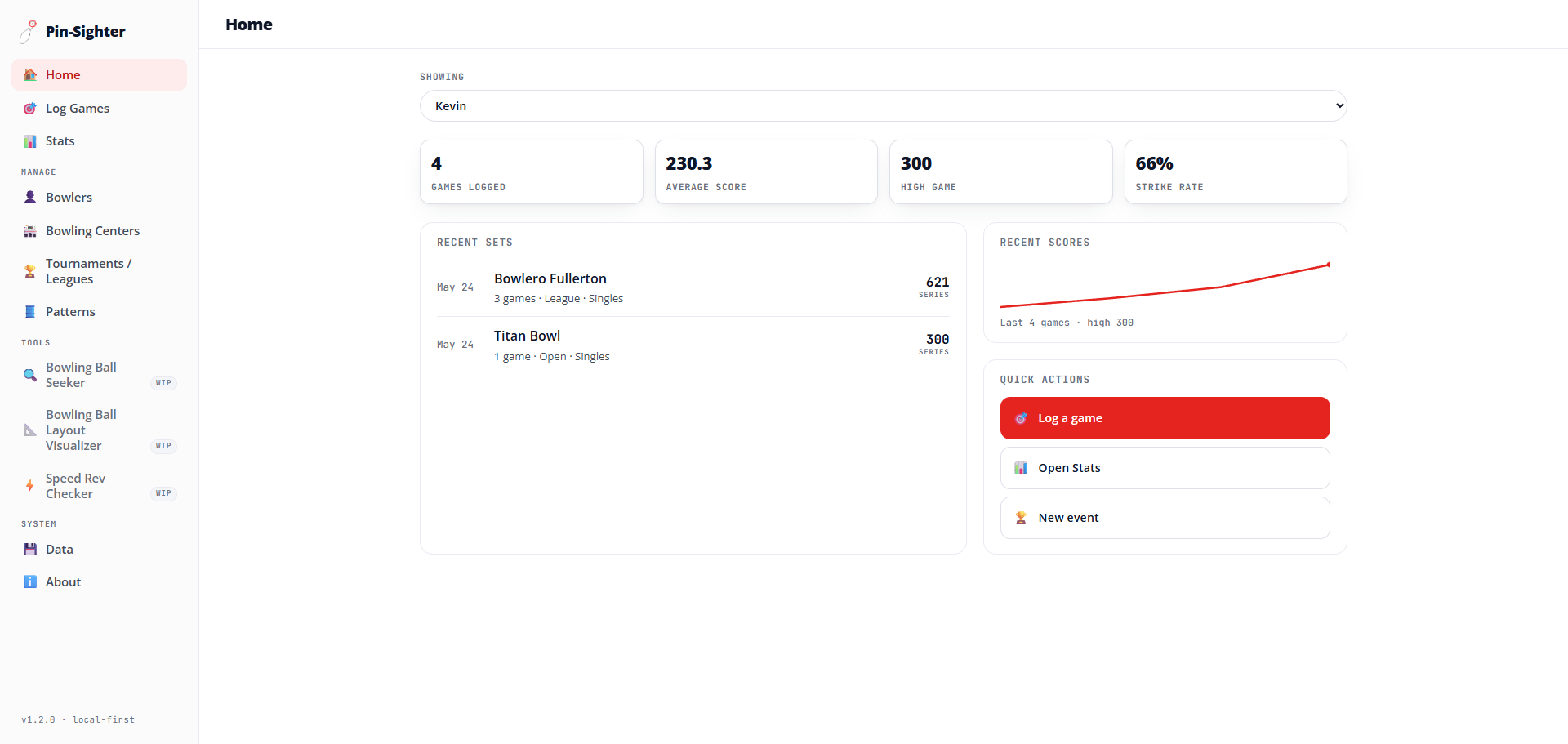
Pin-Sighter Home dashboard showing games logged, average score, high game, strike rate, recent sets, and recent scores
Home dashboard: games logged, average score, high game, strike rate, recent sets, and a recent-scores trend line.
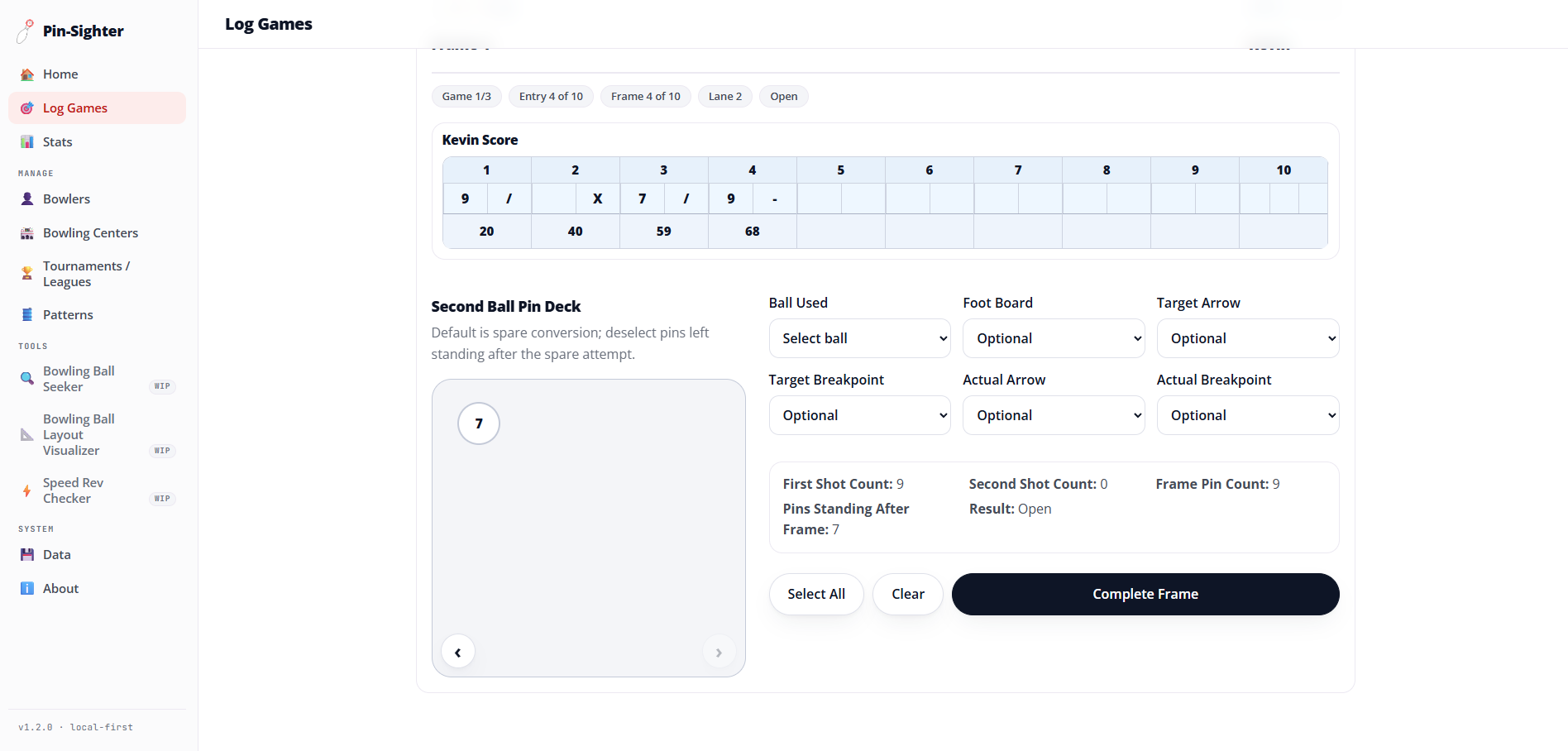
Pin-Sighter Log Games screen showing a frame-by-frame scorecard and the second ball pin deck for a spare attempt
Log Games: frame-by-frame scoring, a pin deck for the second ball, and per-frame shot detail like ball, board, and arrow.
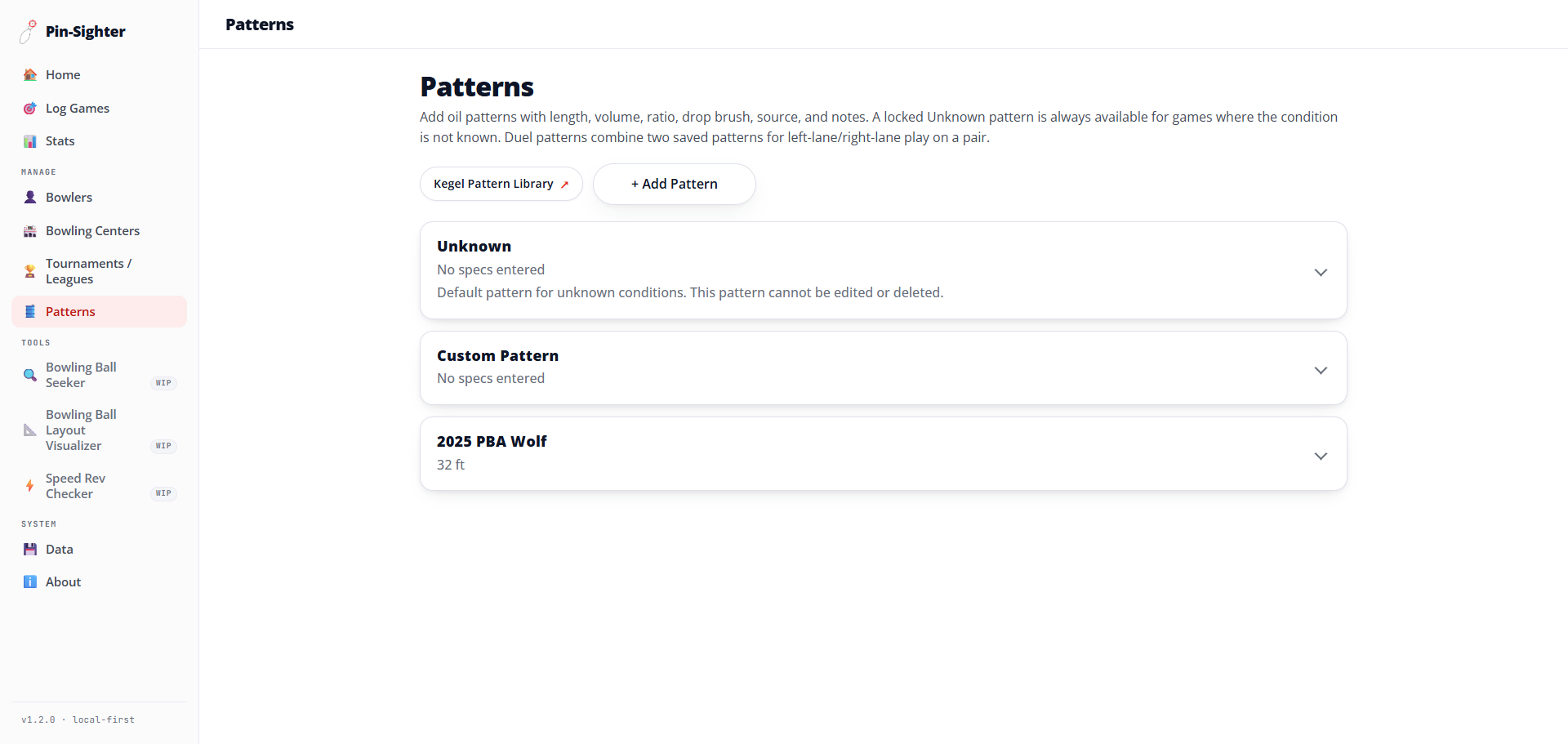
Pin-Sighter Patterns list showing the locked Unknown default pattern, a custom pattern, and a saved 2025 PBA Wolf pattern
Patterns: saved oil patterns with length, volume, ratio, and notes, plus a locked default for unknown conditions.

Core Features

Feature setEverything the app covers, grouped by area.
CategoryIncludes
Game Logging
  • Open, league, and tournament sessions
  • Individual games, sets, and multi-game blocks
  • Frame-by-frame results
  • Strikes, spares, opens, splits, and spare leaves
  • Lane, pattern, ball, and game notes
  • Singles, team formats, and Baker-style games
Bowler Management
  • Bowler profiles
  • Handedness and bowler details
  • Bowling ball entries per bowler
  • Ball brand, surface, layout, and notes
Centers + Patterns
  • Bowling center entries
  • Lane count and center notes
  • Oil pattern entries
  • Pattern length, volume, ratio, and notes
Leagues + Tournaments
  • League and tournament entries
  • Event type, format, schedule, and center
  • Dashboard, standings, and scoring links
  • Event-specific notes
Stats + Reports
  • Performance summaries across saved games
  • Filters by bowler, event, center, pattern, ball, lane, set, and game
  • Strike, spare, open, split, and clean-frame trends
  • Spare leave and conversion analysis
  • Targeting and board progression
  • Saved sets and scorecards
Export + Backup
  • HTML reports
  • Printable and PDF-ready reports
  • CSV exports
  • Excel-compatible exports
  • App data backup and restore tools

How It Works

Local first: the data stays on the device GitHub Actions tests, builds, and deploys the browser version of the Pin-Sighter React, TypeScript, and Vite app. The same app also runs as an optional Tauri desktop app. It saves data on the device in localStorage or an app file, with a temporary rolling backup. Only a user choice sends data to HTML, PDF, CSV, or Excel reports and exports, or to a backup file that can later restore the app. There is no server and no external database. Local first: the data stays on the device Build On the device Leaves only by choice GitHub Actions Tests, build, deploy Browser Web app Desktop Optional Tauri app Pin-Sighter app React, TypeScript, Vite Local storage localStorage or app file Rolling backup Temporary copy Reports and exports HTML, PDF, CSV, Excel Backup file Export and restore deploy save restore No server, no external database
The same app runs in a browser or as a desktop app. Every record is saved on the device, and data leaves only when the bowler exports a report or a backup.
App workflowFour steps, from setup to analysis.
StepWhat happens
01 · SetupAdd bowlers, centers, equipment, patterns, leagues, and tournaments.
02 · LogRecord game details, frame results, spare leaves, targeting, lanes, and notes.
03 · ReviewSave multi-game blocks and revisit scorecards, event context, and ball usage.
04 · AnalyzeUse filters and reports to evaluate performance across bowlers, centers, patterns, and equipment.

Tools + Build

ReactTypeScriptViteTauriCSSLocal StorageFile-backed Local DataVitestPlaywrightHTML ReportsCSV ExportExcel-compatible ExportLocal-first WorkflowDashboard UIReport Generation

Local-First Data

Pin-Sighter is built around local data storage. Bowling data is intended to stay on the user's device unless they manually export it or share a backup file.